Pages
Every URL the crawl saw, with its status, its links and its figures.
The list
Pages lists every URL the crawl saw, with how it answered and how it is linked. Each row shows the URL and title, its inbound and outbound links (with the content links among them in brackets), its word count, its response time, its status and its click depth. The list shows 50 rows at a time.
Search matches the URL and the title. Sort by inbound or outbound links, PageRank, click depth, word count, response time, status code or URL; the arrow next to the sort switches between largest and smallest first.
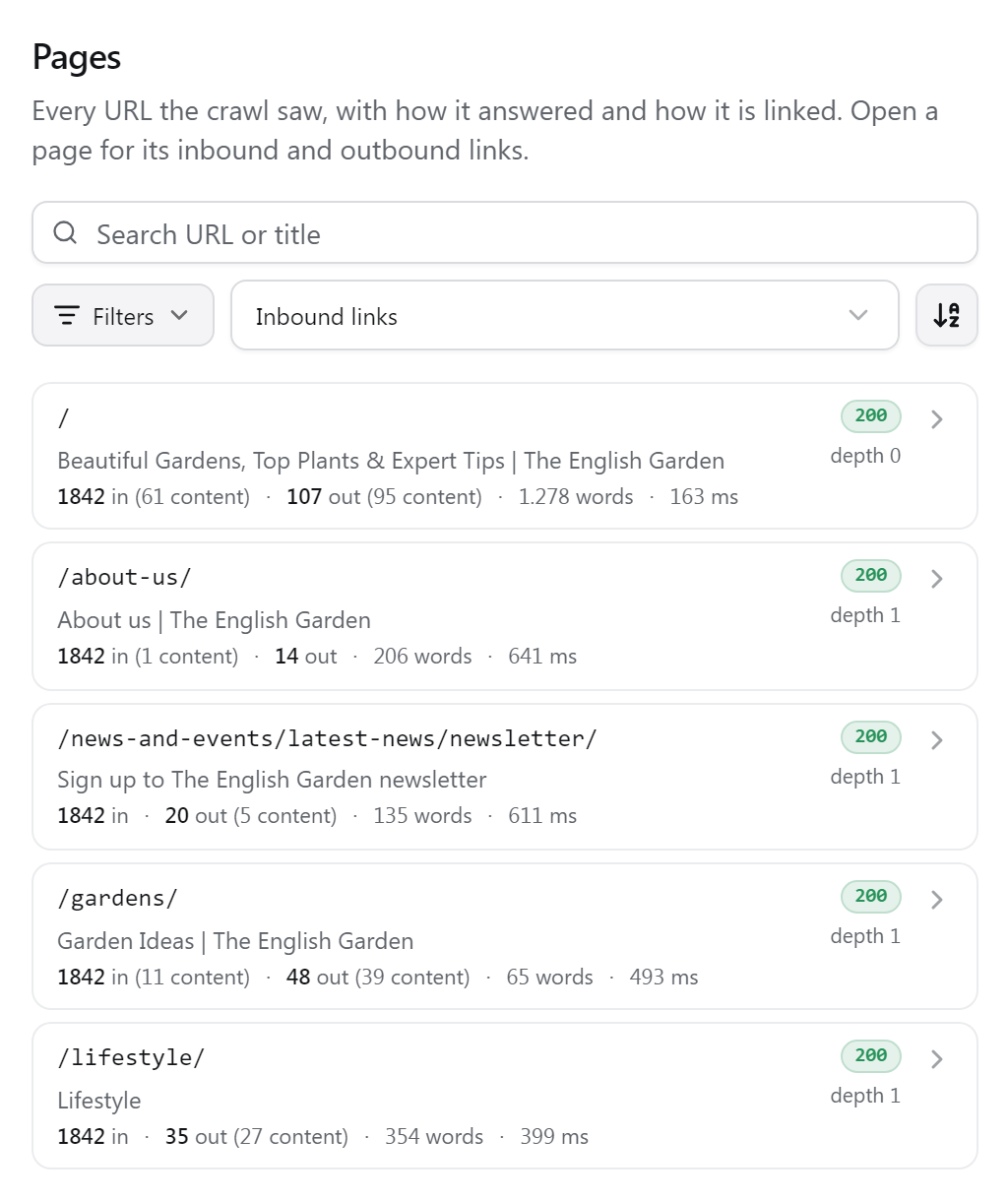
Filters
Filters opens a panel where filters combine. Within one group the ticked options add up (4xx or 5xx); the groups narrow each other (4xx and noindex). Every active filter shows as a chip under the toolbar; its cross removes it.
- Show
- Crawled pages (the default: every URL the crawl fetched, whatever it answered), not crawled URLs (seen in links or the sitemap but not fetched), or all URLs. A list another view opens, such as orphan pages, shows here too.
- Status code
- 2xx, 3xx, 4xx, 5xx, or no answer at all.
- Indexability
- Indexable (an OK page without noindex whose canonical is itself), noindex, or canonicalised to another URL.
- Type
- HTML pages or other files: PDFs, images, feeds.
- Sitemap
- Listed in the sitemap the crawl read, or not.
- Ranges
- Lowest and highest inbound content links, outbound content links, click depth, words and response time. Either end can stay open.
Word counts leave out navigation and blocks that repeat across the site, so they measure the page's own text. Point at a word count to see the raw figure as well.
A page's details
Open a row to see everything about one page. The same details open from every list in the results, and selecting a page also focuses it on the graph.
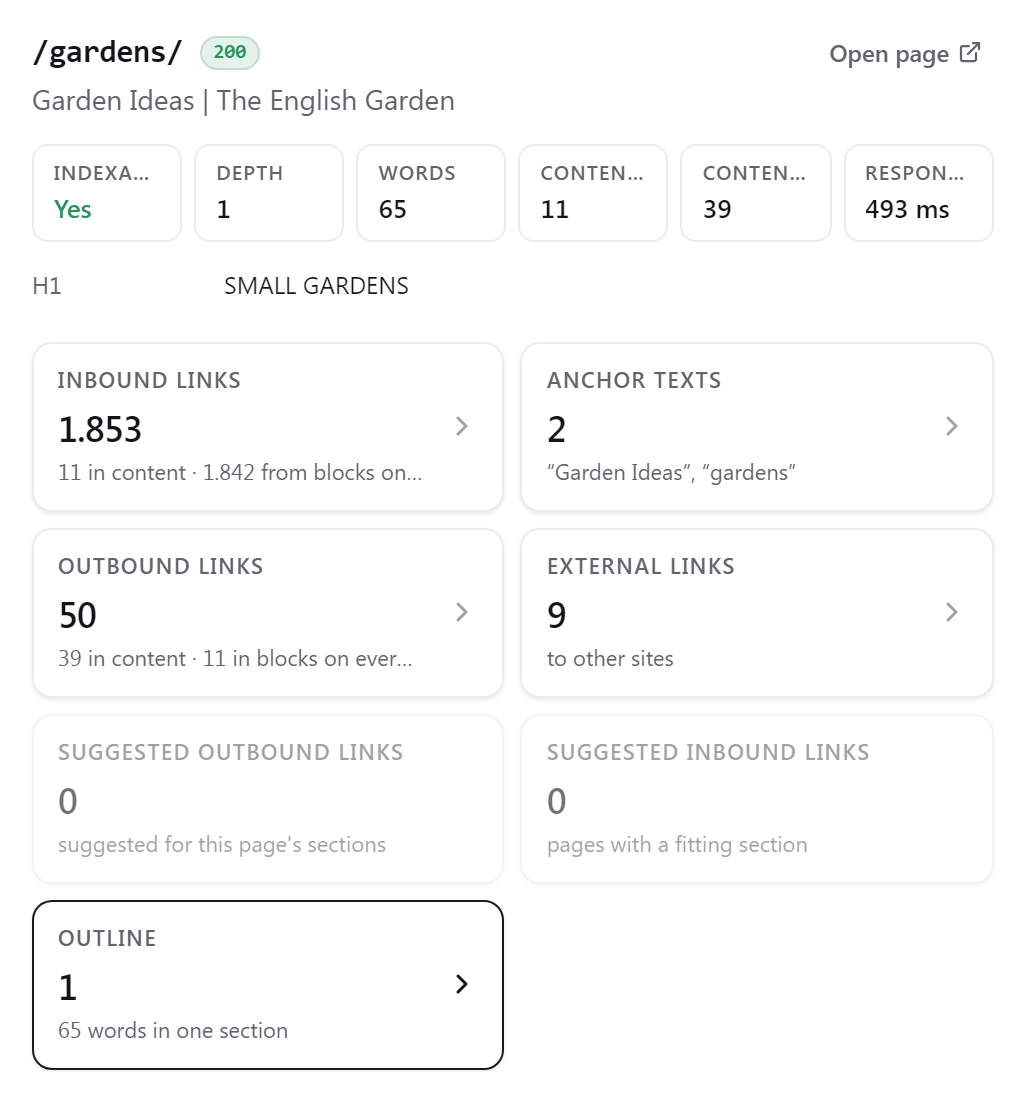
- Facts: where it redirects, its canonical tag, H1 and description, how the crawl found it, and how its link value is split (evenly over its link targets, and how many of them pass nothing).
- Inbound and Outbound: the links to and from the page, split into Content, Other and Sitewide. Each link shows its anchor text and the share of link value it carries. Inbound links can be filtered by anchor text.
- External: links to other sites.
- Outline: the page's headings, indented by level, with the words under each.
- Suggested: link suggestions from this page and to it.
A link marked via redirect was written to an address that redirects to this page: link the final address directly. A link marked nofollow passes no value. Open opens the live page on your site.
Export
CSV downloads every page of the list as filtered and sorted, with its status, redirect, canonical, noindex, word counts, links, PageRank, click depth and topic. Each link list in a page's details has its own CSV button. See Plans & limits for which plans include exports.