Internal Linking Basics
Three internal linking checks for any site, with data from crawls of four sites: click depth, descriptive anchor text, and links through redirects.

Three internal linking checks for any site
Three checks catch many structural internal linking problems: how many clicks an important page sits from the homepage, whether anchor text describes the linked page, and whether links point straight to the live, canonical URL. Search engines use internal links to discover pages, and these checks show where that discovery breaks down.
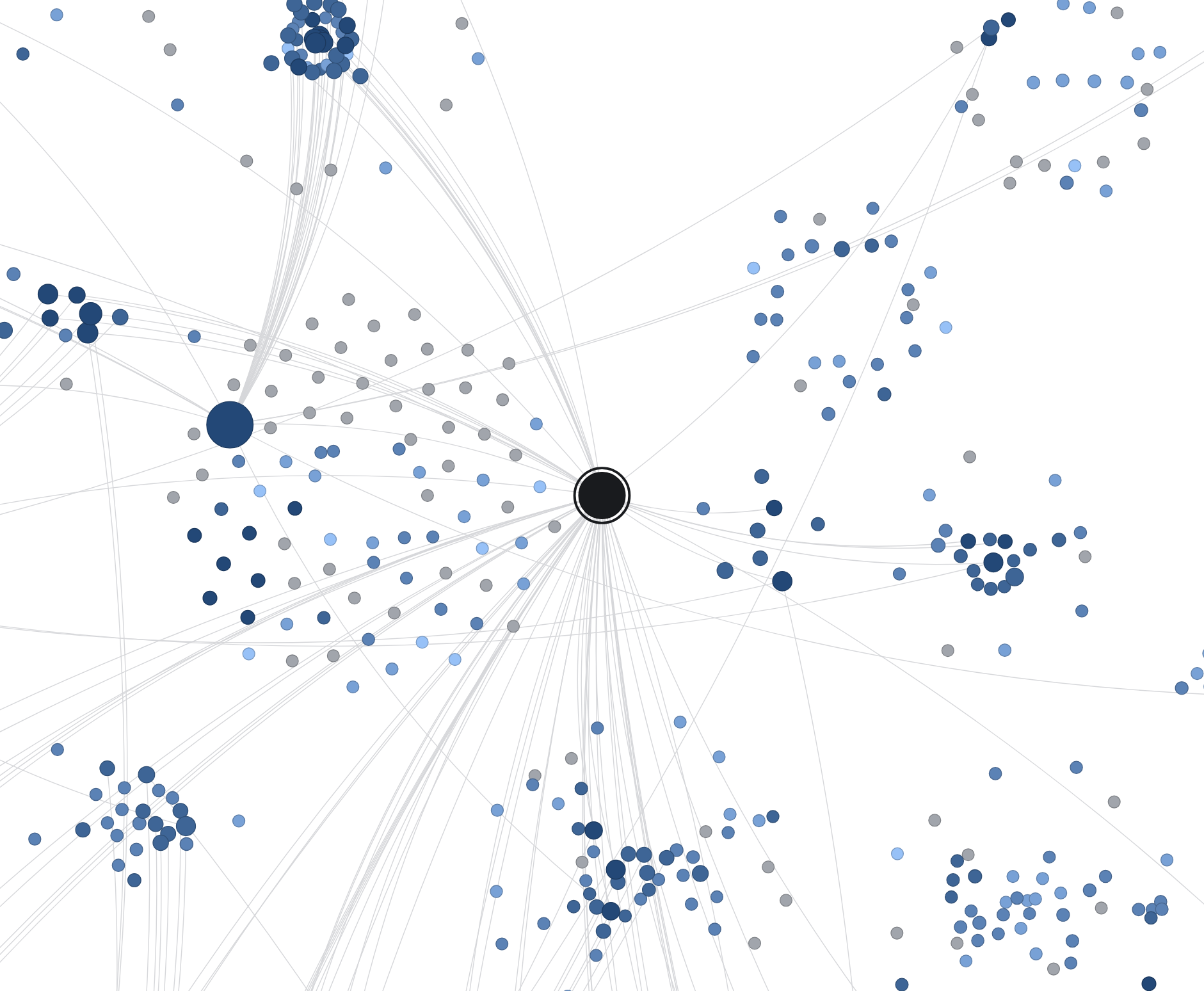
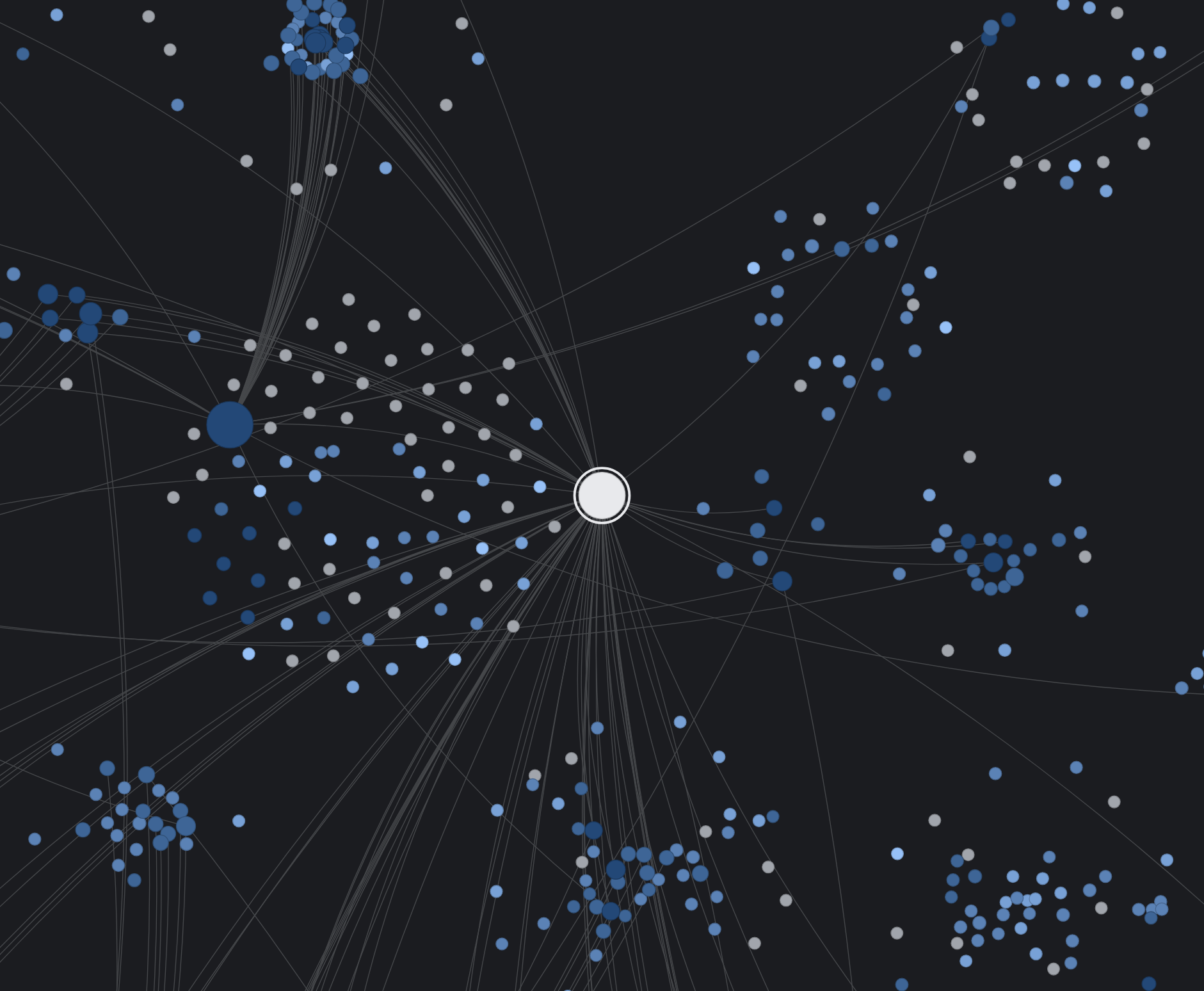
The examples come from our crawls of four sites in September and October 2026: a German lifestyle magazine with about 18,000 indexable pages, a German gardening magazine with 2,200, a British gardening magazine with 1,800, and a German online shop with 1,000. We counted indexable HTML pages, excluding homepages and paginated listings. The screenshots show the German gardening site.
For orphan pages, linking around reader questions and navigation menus, and how internal links relate to AI search, see our post on GEO and internal linking.
Reduce click depth for buried articles
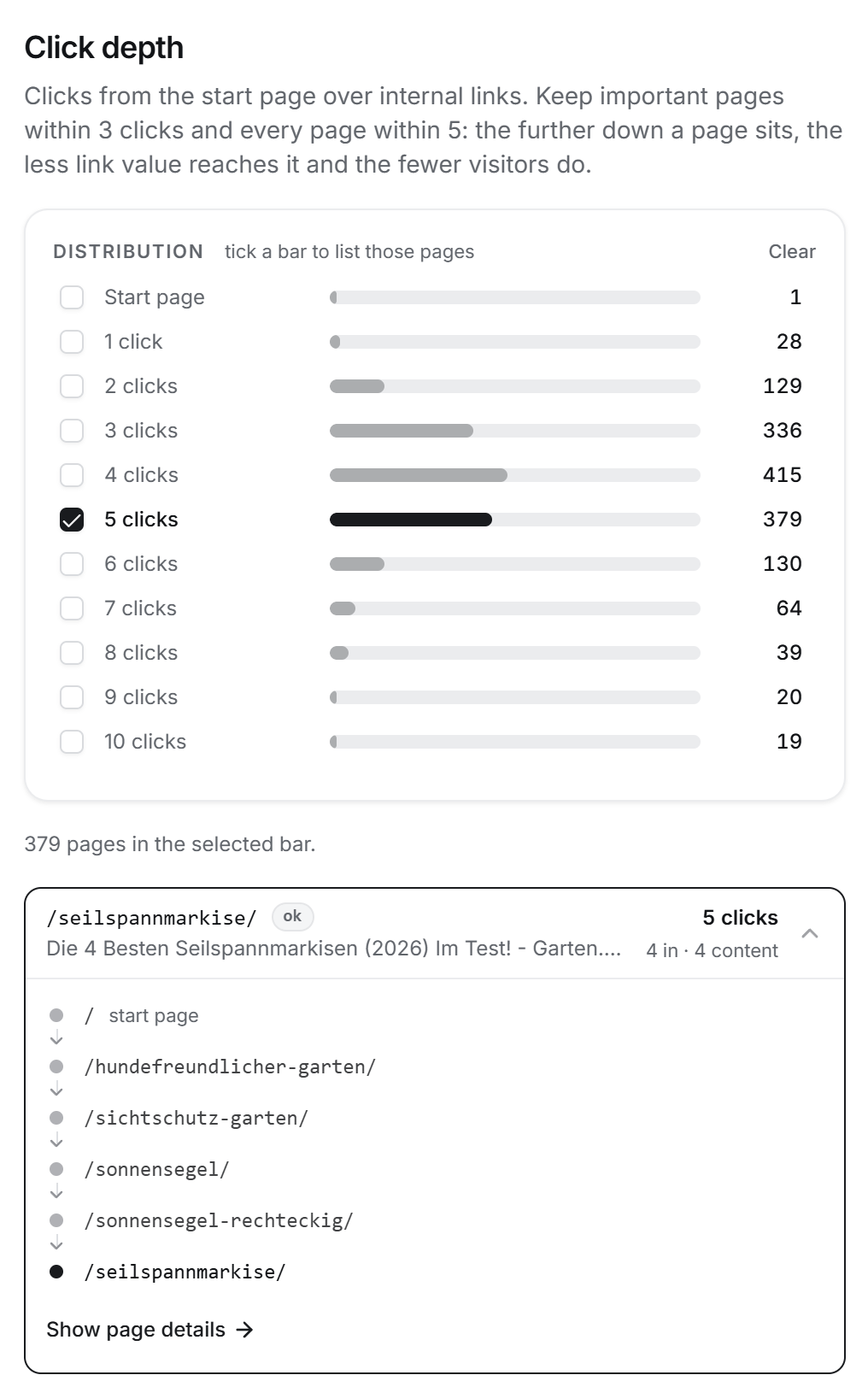
Click depth measures the shortest link path from the page where your crawl starts. Use click depth to find important articles that have slipped deep into archives or can only be reached through paginated listings.
On the German gardening magazine, 78% of articles were more than three clicks from the homepage, and 39% could only be reached through archive pagination. On the lifestyle magazine, those figures were 43% and 15%. The online shop's category structure kept 96% of its pages within three clicks.
Jenn Mathews's internal linking guide recommends reviewing crawl depth alongside anchor text and link distribution. Together, crawl depth, anchor text and link distribution show buried content and missing connections.
Review priority pages more than three clicks from the homepage. Three clicks is a useful starting point rather than a Google requirement. Could an established guide or category link to the article? A link from a page at depth one brings the destination to depth two.
Use anchor text that describes the linked page
A reader should be able to tell where a link leads before clicking it. Google's link guidelines ask for the same: descriptive anchor text helps Google understand the linked page. Compare these two ways to introduce the same guide:
Considering an alternative to filter sand? Read more.
Considering an alternative to filter sand? See our guide to pool filter glass before you choose.
Review the anchors pointing to your priority pages. Use a short description that fits the sentence and accurately introduces the destination. You can vary the wording naturally; there is no need to repeat the full page title in every link.
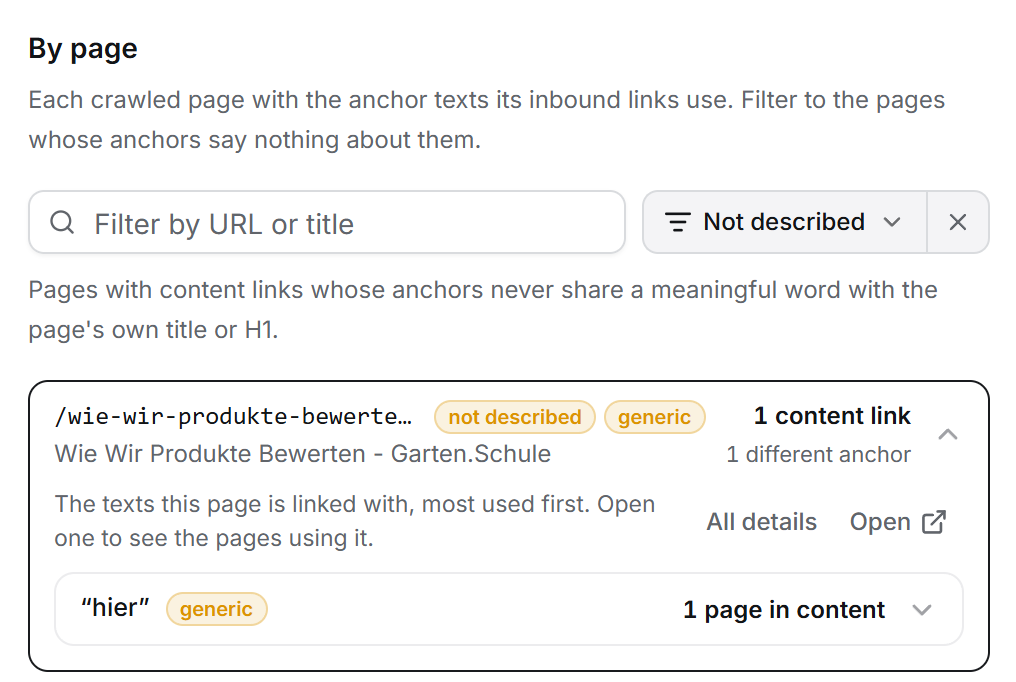
In our crawls, generic phrases such as “read more”, “here” and “hier” accounted for less than 1% of content anchors on each site. Missing anchor text was the larger problem. On the German gardening magazine, 1,704 content links (15%) had no anchor text, mostly because they were linked images without alt text. For an image link, the alt text serves as the anchor.
Fix broken links, redirects and non-canonical links
Export broken links, redirects and links to non-canonical URLs from your crawl. Then work through the source pages and update each link to its intended destination.
On the lifestyle magazine, 36% of indexable pages had at least one content link that went through a redirect. On each gardening magazine, it was about one page in ten. Links that pass through a redirect are good candidates for cleanup: the destination has moved, but the original article still sends readers through the old URL.
- Replace a broken link with a relevant live page, or remove it if no suitable replacement exists.
- Update redirected links to point directly to the final destination.
- Use the preferred canonical URL when linking to content available at several URLs.
- Check that pages you want to appear in search are accessible and indexable.
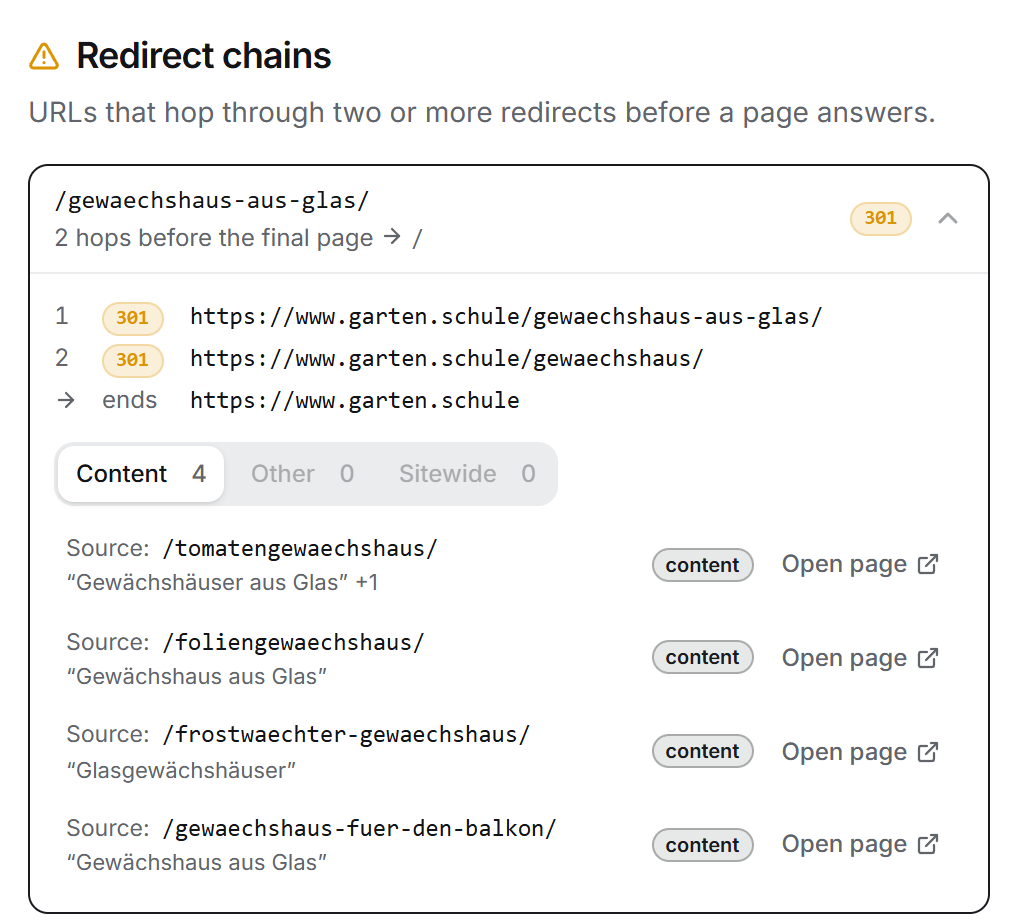
Google recommends linking consistently to the canonical version of a page. Adding a canonical tag will not update links in your older articles, so include those links in the cleanup. Links to useful noindex pages can stay when they help visitors complete a task.
Check internal tracking parameters as well. Simone De Palma explains how tracking parameters create inefficient crawl paths and recommends tracking internal clicks without adding campaign parameters such as ?utm_source= to the destination.
Internal tracking links were less common in our crawls: we found 142 on the lifestyle magazine, one on the British gardening magazine and none on the other two sites. Review what a parameter does before removing it. Product variants and filters may need their parameters to work correctly.
Recrawl and confirm the changes
Work through one section of the site at a time, starting with the pages that matter most to your visitors. After the changes, recrawl the site to confirm that priority pages moved closer to the homepage and that the redirected and broken links are gone.
- Priority pages are easy to reach from a guide or category.
- Anchor text describes the linked page.
- Image links have alt text.
- Links point directly to the intended destination.
- Internal links use the canonical URL without tracking parameters.
Sources
- Link best practices for Google, Google Search Central.
- How to specify a canonical URL, Google Search Central.
- Internal linking for SEO, Jenn Mathews, Search Engine Land.
- Why tracking parameters in internal links hurt your SEO and how to fix them, Simone De Palma, Search Engine Land, April 29, 2026.